- Get link
- X
- Other Apps
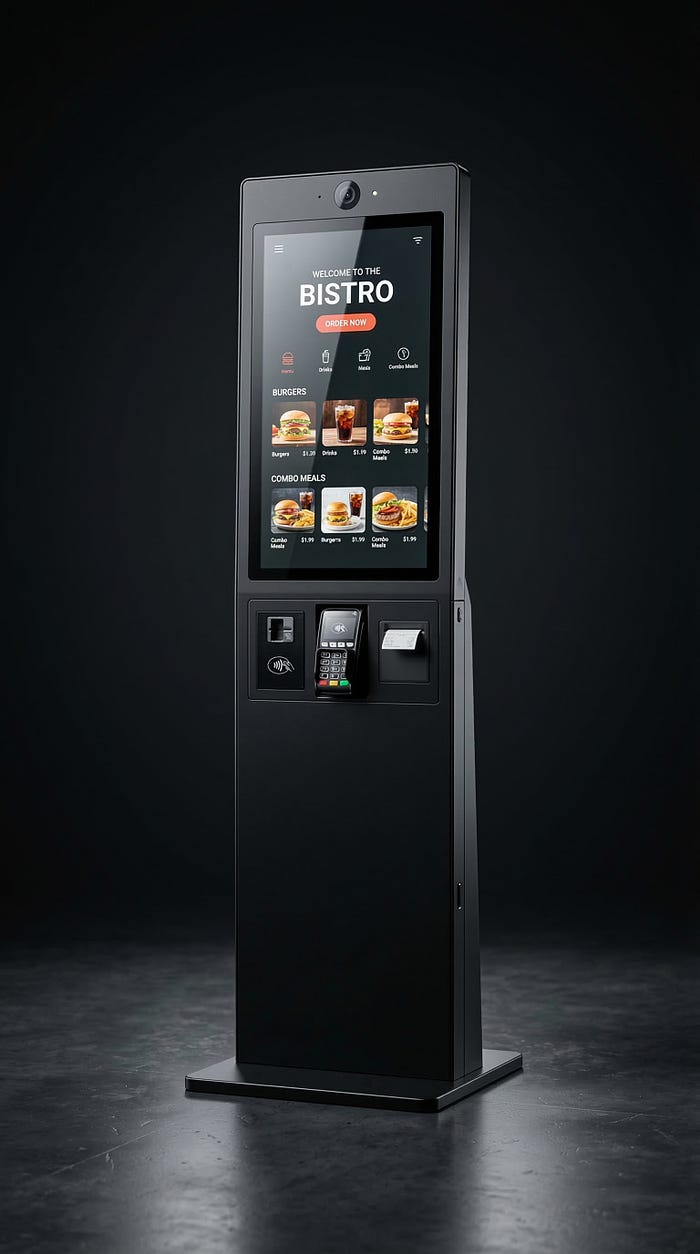
Everyone has experienced it: waiting in a long queue, refreshing an inbox for a reply, or sitting on hold while a recorded voice says, “Your call is important to us.” These delays frustrate customers and overwhelm support teams.
There is a simple way to reduce this friction: let customers solve common problems themselves first, and provide fast human help when they truly need it. Self-service does not replace people. Instead, it removes unnecessary waiting by giving customers quick answers and simple actions they can complete on their own.
In this post, we will explore what self-service really means, where it works best, how small businesses can set it up quickly, and how to avoid common mistakes that frustrate customers instead of helping them.
The simple way, let customers self-serve first (with a quick path to a real person)
Self-service simply means giving customers the ability to find answers or complete common tasks without waiting for a reply from a support team. Instead of sending an email or calling a support line, customers can immediately access information or take action on their own.
This approach is not about replacing human support. It is about removing the delays that happen when teams answer the same questions repeatedly. When common issues are handled instantly through self-service, support teams can focus their time on complex situations that truly require human attention.
Self-service can include many practical tools that customers already expect to find. For example:
- A clear FAQ page that answers common questions
- A help center or knowledge base with simple step-by-step guides
- Order tracking pages so customers can check delivery status
- A returns portal to start refunds or exchanges
- Appointment booking tools for services
- Password reset options for account access
- Chat or voice assistants that answer basic questions instantly
- System status pages that show service updates or outages
Speed improves when the most common questions are handled instantly. Instead of waiting hours or days for a response, customers can get the answer in seconds.
At the same time, the remaining questions are routed directly to the right person. For example, a retail store might use self-service for order tracking and returns, while complex refund issues go to customer support. A healthcare clinic might allow patients to book appointments online but provide direct contact for medical concerns. A home service company might use self-service scheduling while keeping technicians available for urgent repairs.
When done correctly, self-service reduces delays while still keeping human support available when it matters most.
Why it works so well, it removes the repeat questions that slow teams down
In most businesses, a large share of customer questions are surprisingly similar. People ask about delivery times, account access, return policies, appointment availability, or pricing details.
These repeated questions take time for support teams to answer again and again. Self-service removes this bottleneck by providing instant answers for the most common requests. When customers can solve simple issues themselves, the number of incoming tickets drops and response times become faster.
This benefits customers and employees. Customers get answers immediately instead of waiting. Staff members spend less time repeating the same information and more time solving complex or sensitive issues. As a result, support teams feel less overwhelmed and can provide higher quality help when it is truly needed.
Where self-service makes customers happiest, and where it can backfire
Self-service works best for simple, high-volume tasks that customers want to complete quickly. These include tracking an order, scheduling an appointment, updating account details, or checking billing information. These tasks are routine and usually low risk, making them ideal for self-service tools.
However, some situations require direct human help. Financial disputes, medical concerns, safety issues, or cancellations that involve penalties can quickly become stressful for customers. In these cases, forcing people to navigate automated systems can increase frustration.
A helpful rule of thumb is simple: when the situation feels high stakes or emotionally stressful, customers should see a clear “talk to us” option. Self-service should guide customers toward help, not trap them in automated loops.
How to set it up in a week, start small and make it easy to find
Many businesses assume self-service systems take months to build. In reality, you can launch a simple and effective version within a week by starting small and focusing on the most common customer needs.
The first step is identifying the top questions customers ask your team. Review support emails, call logs, chat messages, and frequently repeated requests. Usually, the same 10 questions appear again and again. These become the foundation of your self-service content.
Once the answers are ready, place them where customers naturally look for help. Common places include:
- The website navigation menu or header
- The checkout page for purchase-related questions
- Order confirmation emails and receipts
- SMS notifications or appointment reminders
- The phone system menu (IVR)
- Chat widgets on your website
The goal is to reduce steps, not create more pages. Customers should find answers quickly without searching through multiple menus.
Finally, use basic analytics and support logs to improve the system. Monitor which topics customers search for most often and update answers when new questions appear. Over time, your self-service content will grow naturally based on real customer needs.

Build your “top questions” page from real customer messages
Your best self-service content comes directly from customer conversations. Review support inboxes, call summaries, chat transcripts, customer reviews, and return reasons to identify patterns. When multiple customers ask the same question, it deserves a clear answer page.
Structure each answer in a simple way. Start with the short answer at the top so customers immediately understand the solution. Follow that with step-by-step instructions if the issue requires action. Finally, include a small section explaining what to do if the solution does not work.
It is also important to include details customers frequently request, such as operating hours, estimated delivery timelines, pricing ranges, refund policies, and service areas. Clear answers reduce confusion and prevent follow-up questions.
Design the escape hatch, make it easy to reach a person when self-serve is not enough
Even the best self-service system cannot solve every issue. Customers should always have a clear path to human support when they need it.
Offer visible contact options such as phone, email, live chat, or a request for a callback. These options should be easy to find instead of hidden behind multiple pages. A short routing form can also help direct requests to the right person faster. For example, asking for an order number or issue type can help support teams respond more efficiently.
Avoid creating dead ends. Bots that repeat the same responses or forms that never confirm submission can frustrate customers. Every automated interaction should guide customers toward either a solution or a real person.
Keep it fast over time, measure what matters and fix the rough spots
Launching self-service is only the first step. Keeping it effective requires small but consistent improvements. The good news is that maintaining it does not need complicated systems or heavy analysis.
A simple monthly routine can make a big difference. Review the most searched topics in your help center, look for searches that returned no results, and identify which articles customers view the most. These insights reveal where customers still need help.
Each month, update three existing help pages to improve clarity, add one new answer based on recent support questions, and remove steps that confuse readers. These small updates keep the system accurate and easy to use.
It also helps to train support staff to share self-service resources during conversations. When agents include helpful links in their replies, customers learn where to find answers in the future.
Focus on a few practical metrics rather than complex reports. Useful indicators include first response time, time to resolution, repeat contact rates, helpfulness ratings on help articles, call abandonment rates, and overall customer satisfaction scores. Tracking these signals helps you see whether self-service is reducing friction or creating new problems.
Quick signs your self-service is working (or needs a tune-up)
There are several clear signs that your self-service system is working well. Support queues become shorter, response times improve, and common questions such as “Where is my order?” appear less often. Customers may also report higher satisfaction because they can solve problems quickly without waiting.
However, warning signs may appear if the system needs adjustment. Customers might still contact support for the same issues that your help pages already cover. Help center pages may have high bounce rates, meaning visitors leave quickly without finding answers. Frustrated chat transcripts or repeated bot loops are also signals that customers cannot reach the help they need.
When these signs appear, small updates and clearer explanations usually resolve the problem.
Conclusion
Serving customers faster does not always require hiring more support staff or building complex systems. Often, the most effective improvement is simply giving customers the ability to solve common problems themselves. Self-service handles everyday requests quickly, while human support remains available for situations that require empathy, judgment, and expertise.
The easiest way to start is small. Identify the five most common questions your customers ask and publish clear answers this week. Then add more solutions over time. By removing even one unnecessary waiting point in the customer journey, you create a smoother experience for customers and a more focused workflow for your team.
Comments
Post a Comment