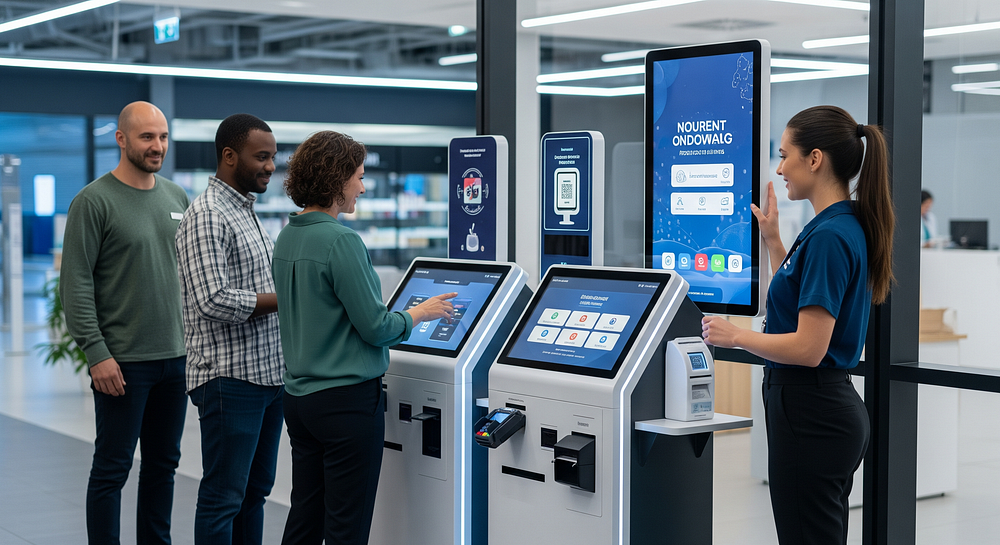
Kiosks are no longer just touchscreen machines that handle basic tasks — they’re evolving into intelligent systems: connected, secure, and data-driven. Businesses across industries are adopting these solutions to shorten lines, reduce labor strain, improve accuracy, and ensure a consistent customer experience. Today’s kiosks integrate with backend systems, collect actionable data, and adapt to user behavior, making them far more than a point of interaction.
Whether you run a retail store, healthcare clinic, hospitality business, warehouse, or a government office, kiosks can streamline operations, reduce manual errors, and enhance the overall experience. But the key isn’t buying the most feature-packed machine — it’s selecting the kiosk that fits your workflow, environment, and users. This post will guide you through the essential considerations to choose the right kiosk for your operation, helping you avoid costly missteps while maximizing efficiency and customer satisfaction.
Start with Your Use Case, Then Map the Kiosk Journey End to End
The first step in selecting a kiosk is understanding what you need it to do — and for whom. In under two minutes, a clear use case should emerge: is the kiosk for customers, patients, visitors, or employees? Will it sit in a lobby, curbside, shop floor, or back-office area? Define what success looks like: time saved, errors reduced, revenue captured, or staff freed up for higher-value tasks.
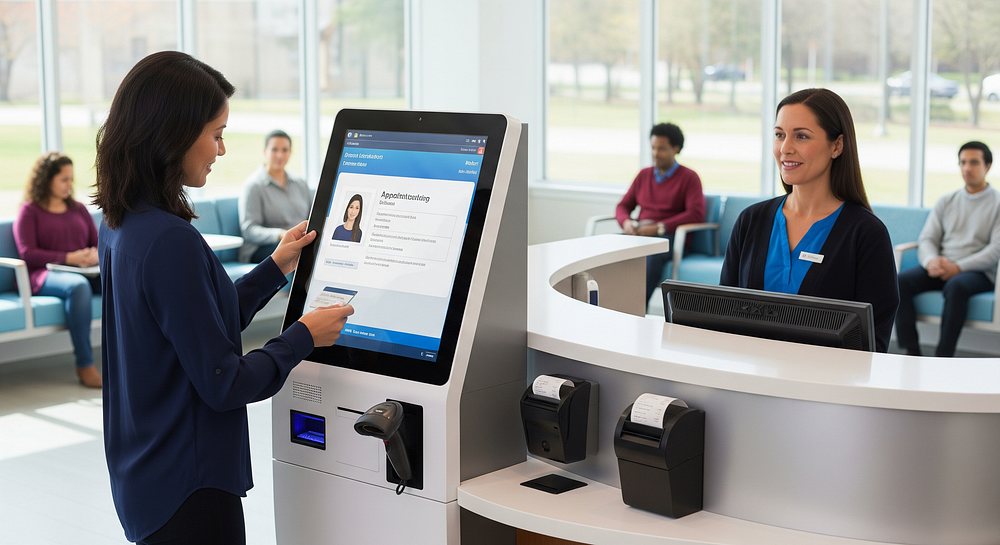
Consider this example: a hospital outpatient clinic installs a check-in kiosk. Patients scan their ID cards, verify their appointment, and update contact information. Reception staff no longer spend 10–15 minutes per patient manually checking details, reducing wait times and errors. In parallel, administrators can monitor usage trends and identify peak hours.
Mapping the end-to-end journey ensures the kiosk supports your workflow rather than disrupts it. Ask: what happens if something goes wrong? How do users know where to start, and what feedback do they get along the way? By defining the use case and journey first, you can choose a kiosk that truly meets operational needs instead of buying features you may never use.
Pick the Right Kiosk Type for the Job
Different tasks require different kiosks. Here’s a quick guide:
- Self-Service Kiosk: For general transactions, order placement, or information lookup. Features: touchscreen, barcode/QR scanning, digital receipts, basic payment.
- Check-In Kiosk: For appointments, visitor management, or healthcare registration. Features: ID scanning, forms auto-fill, badge printing, session tracking.
- Wayfinding Kiosk: For navigation in large facilities. Features: interactive maps, search, multi-language support, and touch or gesture input.
- Payment Kiosk: For secure transactions. Features: EMV card readers, NFC, cash acceptance, receipt printing, and fraud protection.
- Employee Task Kiosk: For time tracking, HR forms, or warehouse operations. Features: secure login, workflow tracking, biometric authentication, and integration with ERP or scheduling software.
Tip: Avoid forcing one kiosk to do everything if it makes the workflow confusing — clarity is more important than versatility.
Plan for Edge Cases That Break Real-World Workflows
Even the best-planned kiosks face issues: failed payments, low connectivity, accessibility barriers, language selection, refunds or voids, age verification, and more. Design a help path: call buttons, chat options, or QR codes that connect to staff support. Include a safe timeout flow to protect user privacy and ensure unfinished transactions don’t cause errors or data exposure. Addressing these edge cases upfront reduces frustration, boosts trust, and keeps operations running smoothly.
What to Look for in Intelligent Kiosk Hardware, Software, and Security
When evaluating kiosks, balance user experience and IT requirements. Modern “intelligent” kiosks often include remote monitoring, analytics, and integration capabilities.
Hardware That Holds Up in Your Environment
Durable hardware ensures reliability and user satisfaction. Key factors:
- Screen & Touch: Brightness, responsiveness, glare reduction.
- Mounting & Accessibility: ADA-compliant heights, ergonomic design.
- Materials & Protection: Spill-resistant, vandal-proof, thermally managed, easy to service.
- Peripherals: Receipt printers, EMV/NFC terminals, cameras, scanners, microphones, speakers, and biometric readers where relevant.
- Environment Fit: Indoor vs outdoor, power options (Ethernet, Wi-Fi, LTE), and network reliability.
The right hardware minimizes downtime and user frustration, ensuring the kiosk functions consistently in its specific environment.
Software, Integrations, and Remote Management
Software should make management and updates effortless:
- Kiosk Mode & Content Updates: Keep users on task and refresh content easily.
- Remote Monitoring & Device Health: Track uptime, reboot devices, push app updates, and wipe sessions remotely.
- Integrations: POS, CRM, ERP, ticketing, inventory, access control, scheduling, SSO, and API availability.
- Offline Mode: Critical for transactions if connectivity fails.
Software that’s secure, flexible, and connected ensures smooth operations across locations.
Security and Privacy Basics You Should Not Skip
Security protects your business and users:
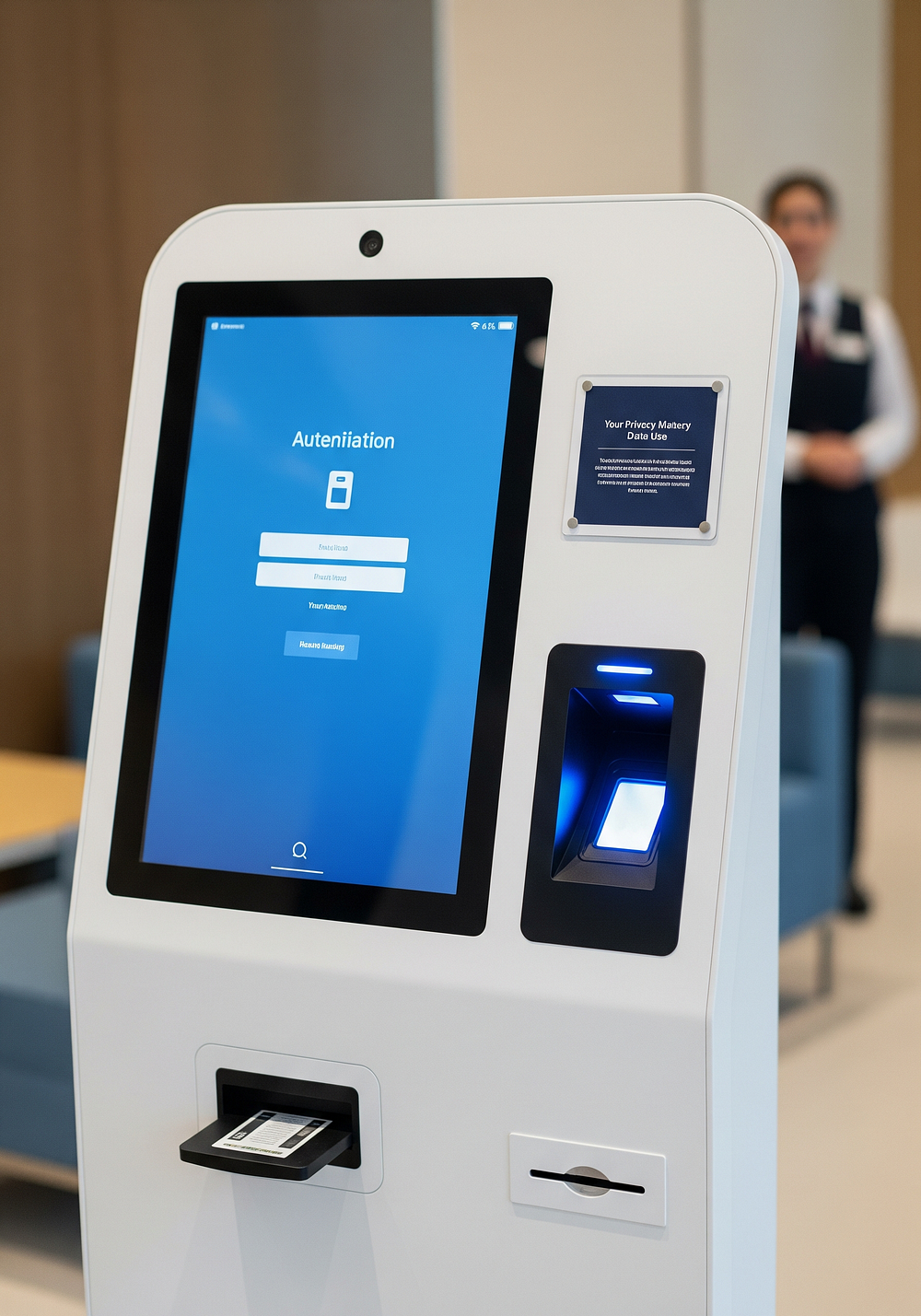
- System & Data: Secure boot, disk encryption, patching, role-based access, logging, tamper protection.
- Payment & PII: EMV compliance, PCI DSS awareness, HIPAA for healthcare, SOC 2 for vendors.
- Consent & Retention: Camera/audio signage, privacy timeout, and clear data handling policies.
A secure kiosk safeguards users, reduces liability, and builds trust.
How to Compare Vendors, Test Quickly, and Prove ROI Before Scaling
Purchasing kiosks is a long-term investment. Focus on pilots, cost transparency, support, and measurable outcomes.
Ask Vendor Questions That Reveal Long-Term Costs and Support Quality
Check warranties, repair options, spare parts, SLA response times, licensing, uptime reporting, and roadmaps. Compare ownership models: purchase, lease, kiosk-as-a-service. Ask about hidden costs: payment processing, cellular plans, and consumables like printer paper.
Run a Short Pilot With Clear Metrics, Then Scale With Confidence
A 30–60 day pilot is ideal: select a single location, train staff, and track metrics such as transaction time, abandonment, error rates, customer satisfaction, and staff hours saved. Collect feedback from both users and employees, then adjust UI and placement before rolling out additional units.
Conclusion
Choosing the right kiosk starts with defining your use case and mapping the journey, then matching hardware to environment, demanding strong software and security, and validating results through a pilot program. Create a one-page requirements list, involve IT, operations, and frontline staff, then shortlist 2–3 vendors for demos or site walk-throughs. This structured approach ensures your investment improves efficiency, satisfaction, and ROI — without buying unnecessary features.
FAQs
Q1: How do I know which kiosk type my business needs?
Start by identifying your primary users, location, and goals (time saved, errors reduced, revenue captured). Map the end-to-end workflow and pick a kiosk type that fits the task.
Q2: Can one kiosk handle multiple tasks?
Yes, but only if it doesn’t confuse the user. Avoid cramming too many functions into a single machine; clarity is more important than versatility.
Q3: What security measures should I prioritize?
Focus on secure boot, disk encryption, patching, role-based access, EMV/PCI DSS compliance, and privacy-conscious handling of PII, audio, and video data.
Q4: How can I test kiosks before full deployment?
Run a 30–60 day pilot at one location, track metrics like transaction time, errors, abandonment, and customer satisfaction, then adjust before scaling.
Q5: Are intelligent kiosks only for retail?
No, they’re useful across industries — healthcare, hospitality, government, warehouses, and offices benefit from reduced wait times, streamlined operations, and better data insights.
Comments
Post a Comment